
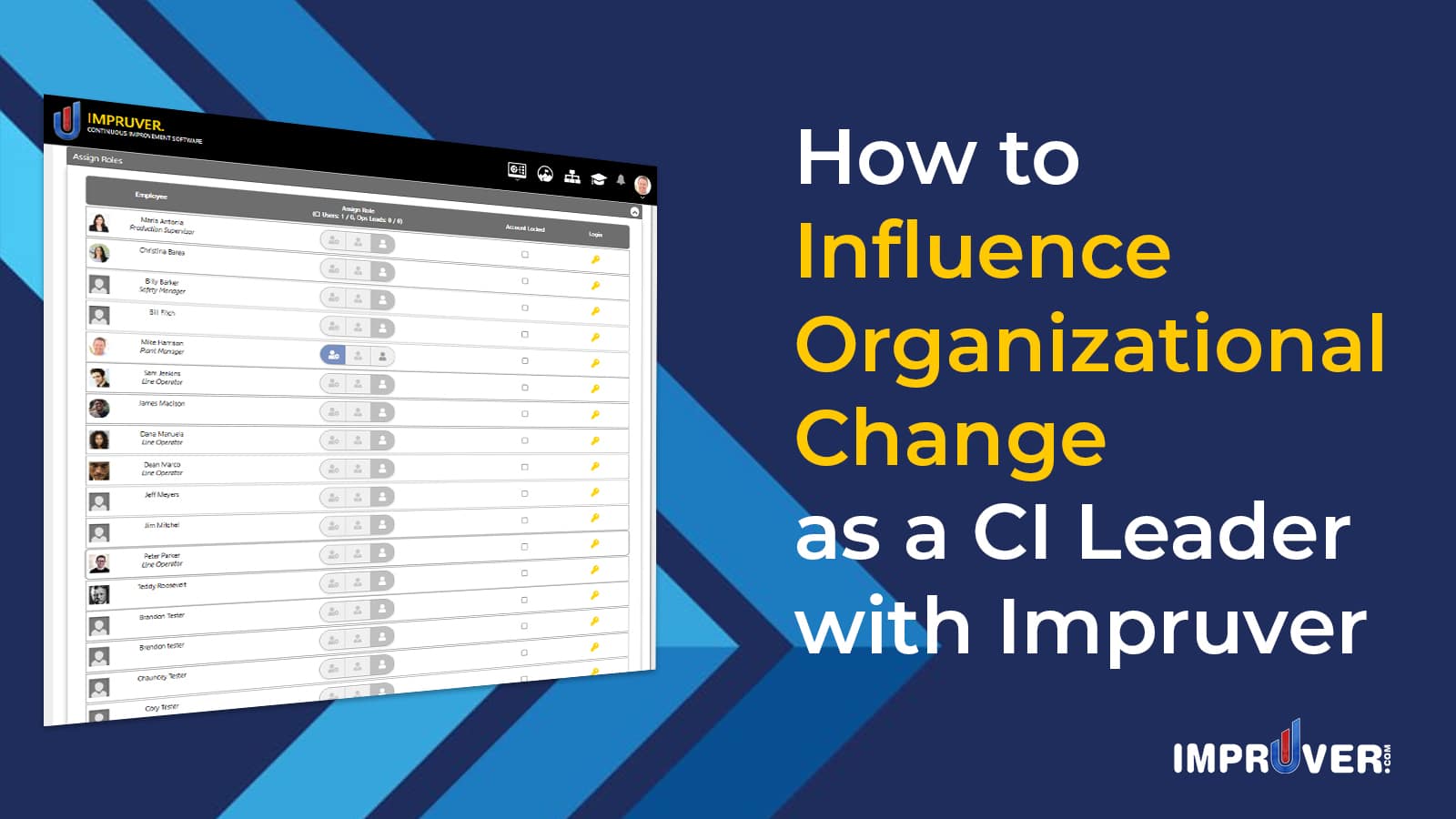
Building and sustaining a culture of Continuous Improvement within an organization can be a daunting challenge for any CI Leader. Impruver empowers Continuous Improvement leaders to scale up their individual ability to inspire and build momentum for any size organization.

This video demonstrates how to influence organizational change as a Continuous Improvement leader with Impruver:
There are several features that help influence organizational change as a Continuous Improvement leader in Impruver:
- Selecting and Deploying Lean Tools to the Company
- Global Access to all Impruver Accounts within the Company
- Activating and Setting User Types
- Automating Countermeasures for CI project sustainment
- Offering Rewards
Now lets walk through how each of these are done:
1. Selecting and Deploying Lean Tools to the Company
Impruver allows Continuous Improvement leaders to choose which tools will be used by the company to practice kaizen. This ensures that everyone in the organization is using a standard set of tools, which are centralized for easier access, recall, and knowledge management:
- Finding and activating tools:
1) From the User Dashboard, click the dropdown arrow underneath your profile picture in the header
2) Select the ‘Marketplace’ option from the menu
3) Locate the tool you would like to activate from the list provided and click the “+”sign to add it to your Dashboard
4) Confirm the activation of the selected tool and click ‘Okay’
This will activate the selected tool on your dashboard and in the corresponding dropdown menu in your header
Here’s where you can find the Marketplace link:

Here’s where you can activate the tool that you’d like to use:

After you have added a tool to your account, it will appear on your Dashboard.
- Deploying Tools to the Company
1) From the Dashboard, locate the tool you wish to deploy to the rest of the company
2) Click the Deploy icon in the upper right corner of the tools section

2. Global Access to All Users in the Company
As the Continuous Improvement leader for your company within Impruver, you have the ability to access all other user accounts in the system. This gives you administrative rights throughout your company’s account.
- Accessing the User Accounts of Others
1) In the dropdown beneath your profile picture, click the expansion arrow next to Manage Account and click the My Company page
2) Access the ‘Assign Roles’ section of the page

3) On the right side of the Assign Roles function, locate the Login column and click the key to enter the account of any other user in the company

3. Activating and Setting User Types
Continuous Improvement leaders have the authority to control the settings for the user types that are included in the company’s subscription. To do this, first select the subscriptions and then assign them to users as described below:
- Activate User Types:
1) In the dropdown arrow beneath your user profile, click the expansion arrow to the right of Manage Account
2) Select My Subscriptions from the menu
3) Click the ‘Upgrade’ button to add more special accounts
4) Add the number of account types that you need for organization
5) Click the orange “Submit” button and proceed through the checkout process
Here’s where you find the link to access the My Subscriptions page:

Here’s where you find the button to upgrade your account:

Here’s the page where you would select the number of special account types that you need and activate them:

4. Automating Countermeasures for Continuous Improvement Project Sustainment
Sustaining Continuous Improvement efforts is one of the most challenging aspects of building a culture of CI. Impruver helps you to sustain and continuously improve the results from your CI projects through a feature called Countermeasure.
- Read the How to Sustain Continuous Improvement Using Impruver Countermeasure for detailed instructions on using this feature
5. Offering Rewards
The part of creating and sustaining a CI culture that is rarely discussed is motivation. Impruver offers a powerful Continuous Improvement Gamification system to help you generate excitement at scale for making additional improvements. This can be done using the Impruver Bank Account.
- Offering Rewards for Continuous Improvement
1) From the Dashboard, click the down arrow beneath your profile picture
2) Click the ‘Bank Account’ option from the menu
3) Click the ‘Offer stuff to buy’ tab from the Cash Trade section of the page
4) Create your Rewards list using the ‘Cash Trade +’ button. Add items until your list is complete
5) Check the box next to the items you wish to add to your list. Then select ‘Create List’ from the dropdown menu and click the ‘Apply’ button
6) Give your list a name, select the items to be included in your list, and click Confirm
Here’s where you’ll find the link to access your Bank Account:

Here’s where you’ll find the Offer Stuff to Buy tab:

Here’s where you’ll find the ‘Create List’ feature:

Here’s where you will build and confirm your Rewards list:

Click here to learn how to use the Continuous Improvement Gamification functionality in Impruver.
Once you have created and activated your list, anyone in the site can then access and make the items listed available to their teams to buy.
Impruver is the premier software solution for Continuous Improvement professionals. It enables CI Leaders to build and modify the infrastructure for creating a kaizen culture. Check out how you can create a continuous improvement coaching relationship in Impruver.
