
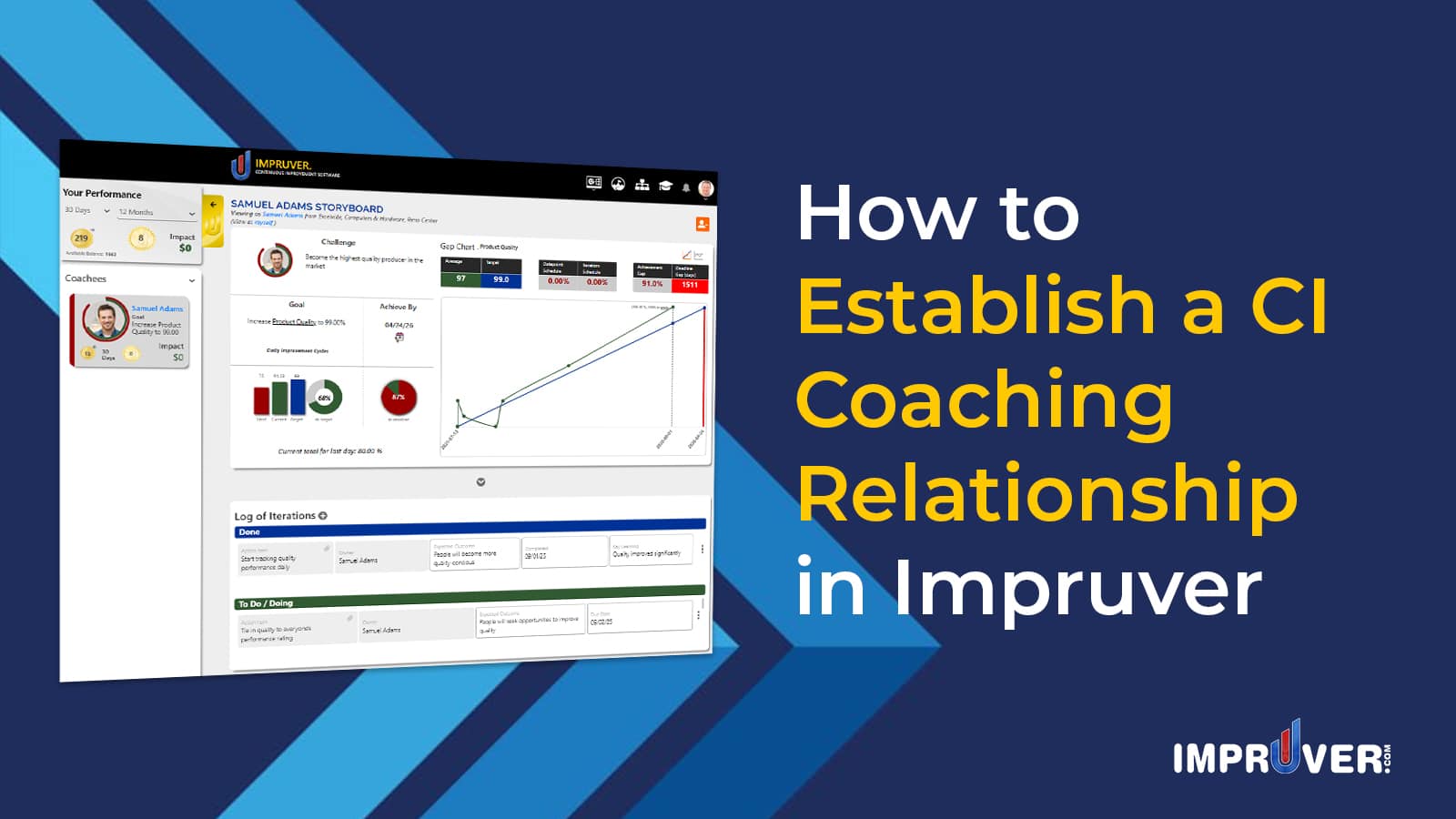
Continuous Improvement coaching can help people to develop the CI mindset and behavior pattern. Impruver is the ideal software solution for developing the CI mindset at scale through Continuous Improvement Coaching.

This video demonstrates how to establish a Continuous Improvement coaching relationship in Impruver:
There are several features that help establish a Continuous Improvement coaching relationship in Impruver:
- Sending a Coaching Request
- Approving a Coaching Request
Now lets walk through how each of these are done:
1. Sending a Coaching Request
Impruver allows you to send coaching request to people internal or external to your organization. If the intended coachee is a direct report, the coaching relationship is automatically established. However, if they are not a direct report, please use the following process:
- Sending a Coaching Request:
1) From the User Dashboard, click the dropdown arrow underneath your profile picture in the header
2) In the expansion arrow to the right of the ‘Manage Relationships’ option, click ‘Manage Coachees’
3) On the Manage Coachees page, enter the email account of the person you’d like to add as a coachee and click ‘Send Request’
This will send an email to the intended coachee for them to either set up an Impruver account and accept your request (if they don’t already have one) or login into their existing account and accept your coaching request
Here’s where you can find the Manage Relationships link:

Here’s where you can input the details for inviting a direct report:

After you have added a direct report, their name will appear on the ‘Pending Coachee Requests sent’ section of the page.
2. Approving Coaching Requests
If someone has requested to be your Continuous Improvement coach in Impruver, you should have received an email with details of the request. If you don’t already have an Impruver account, you’ll need to set one up. If you do already have one, please follow the instructions below:
- Approving Coaching Requests
1) From any page in Impruver after logging in, access the dropdown menu from the arrow underneath the user profile icon in the header and click the ‘Manage Relationships’ option

2) Click the ‘Manage Coaches’ tab
3) Click the ‘Approve’ button next to the corresponding coaching request

Once you have granted Coaching access rights to another user, they will have view-only visibility to your Storyboard. You can remove this access any time you wish.
Impruver is the premier software solution for Continuous Improvement professionals. It enables CI Leaders to establish Continuous Improvement coaching relationships with other users either internal or external to their own company. From there, users can begin practicing PDCA, Toyota KATA, 4DX, Agile Strategy Execution or other goal-driven, iterative approaches to Continuous Improvement. Click here to see how Impruver helps you to build a culture of Leaders-as-Coaches within your organization.
