
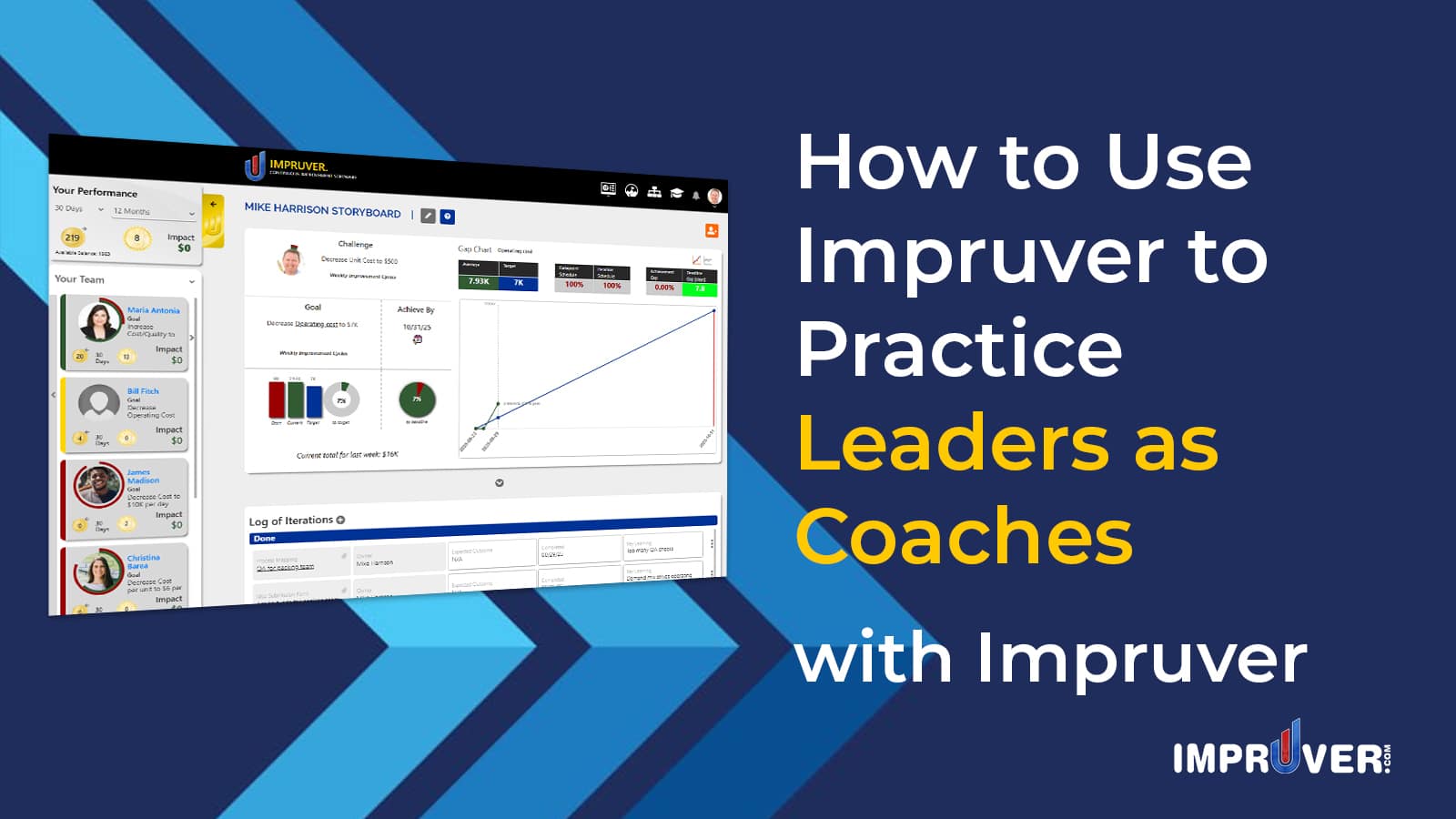
The development of a Continuous Improvement culture depends heavily on leaders behaving more like coaches to encourage scientific thinking and operational excellence. Impruver is the ultimate software for creating the Leaders-as-coaches dynamic within an organization.

This video demonstrates how to use the Impruver to practice Leaders-as-Coaches:
There are several features that help establish a behavior pattern of Leaders-as-Coaches within an organization:
- Adding / Confirming Direct Reports
- Cascade Admin Rights
- Goal Cascade and Coaching
- Performance Management
- Approvals and Certifications
- Gamification, Rewards, and Fulfullment
- Cash Ledger for Direct Reports
Now lets walk through how each of these are done:
1. Adding / Confirming Direct Reports
- Adding Direct Reports:
1) From the User Dashboard, click the dropdown arrow underneath your profile picture in the header
2) Click the ‘Manage Relationships’ option
3) From the ‘Invitations’ page, include the First Name, Last Name, Email, and select Direct Report as the relationship for the person you’d like to Add as a direct report
This will create the invitee’s account for them and include them as your direct report automatically
Here’s where you can find the Manage Relationships link:

Here’s where you can input the details for inviting a direct report:

After you have added a direct report, their name will appear on the ‘Manage Direct Reports’ page.
2. Cascade Admin Rights
As a people leader in Impruver, you have the authority to grant and remove account administration rights from your direct reports:
- Adding / Remove Administrative Rights
1) Access the My company page and scroll down to the ‘Manage Employees’ section

2) Check the corresponding boxes to grant admin rights to your direct reports. Note: you can lock the account of anyone who has left the organization but you’d like to retain access to their data.
3. Goal Cascade and Coaching
Impruver helps you keep your team focused on what’s most important to improve. Simultaneously, the system facilitates the PDCA process to achieve goals. This process is aided by Leaders-as-Coaches
- Viewing the Strategy Deployment / Goal Cascade
1) From the User Dashboard, click the icon for Strategy Deployment
From here you can see how goals cascade from the C-Suite to the frontlines

- Setting Goals:
1) To set a goal, visit the Storyboard page using the link from the header

Follow the instructions in the How to Do PDCA, Toyota KATA, 4X, and Agile Strategy Execution Using the Impruver Storyboard to set your goal and practice Routine Coaching
4) Performance Management
- Performance Management from the Strategy Deployment Page
1) Access the Strategy Deployment page using the procedure from the Goal Cascade section of this page
2) Click the image of the person whose performance you would like to review
3) In the left side panel, you can now review their accumulated coins and badges, Goal statement and progress, current Action Items to do, current project list as project manager or individual contributor, and achievements
5) Approvals and Certifications
As a people leader, you have the authority to certify the achievements of your direct reports. The primary types of achievements that you will need to verify are Stories and Projects.
- Verifying Stories
1) Visit the Storyboard of your direct reports using the Performance tab with the golden U on the left side of any page
2) In Performance tab, locate the person whose Story you wish to verify and click their profile picture
3) Scroll down to the ‘Results Achieved’ section of the page
4) Enter a Business Impact for the Story you wish to verify (if applicable) and click the badge with the silver “U”. The badge will flip to gold and the Story will be verified. This will create a Certificate of Achievement and distribute to peers automatically
Here’s where you can find the Performance Tab and the profile picture of your direct report:

Here’s where you can find and verify a Story:

- Verifying Projects and Stories from the Dashboard
You can also verify Stories and projects of your direct reports from your Dashboard. To do this, navigate to your dashboard by clicking the Impruver logo in the left hand corner of your header or the Dashboard icon as follows:

Once there, find the project or Story that you wish to verify and click to update the status as follows:

6 and 7) Gamification, Rewards, Fulfillment, and Cash Ledger
Follow the instructions detailed in the How to Gamify Continuous Improvement Using the Impruver Bank Account for details on how all of this works.
Impruver is the premier software solution for Continuous Improvement professionals. It enable CI Leaders to build and sustain the momentum of a kaizen culture by enabling a more seamless practice of Leaders-as-Coaches. Click here to see how Impruver allows you automate the application of Continuous Improvement tools based on data-driven triggers using Impruver Countermeasure.
